Event planning is no more about just choosing an event venue and sending out invitations. Modern event planners face problems like registration, agreements, budgeting, staffing, and many others all together.
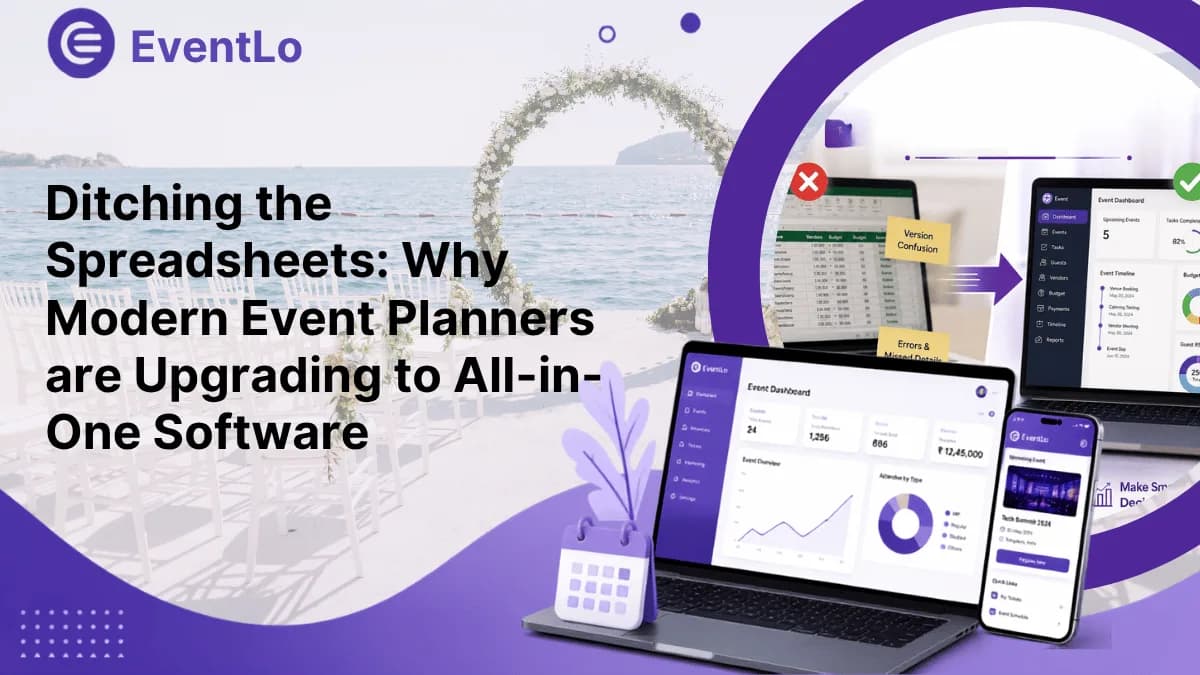
Spreadsheets used to handle this fine. But as events get bigger and more layered, those same spreadsheets start working against the people trying to use them.
From corporate events in New York and Chicago to conferences in Dallas and private celebrations in Los Angeles, planners are searching for a better system. That's the gap event management and planning software is built to close.
Why Are Event Planners Moving Away From Spreadsheets?
Spreadsheets handle numbers well. They don't handle events well because events aren't static, and spreadsheets are.
A single event can require separate files for:
Guest lists
Budget tracking
Vendor contacts
Payments and invoices
Staff assignments
Event schedules
Marketing tasks
Registration data
Every update has to be manually copied across the right files, and it rarely happens perfectly. Duplicate entries, outdated numbers, and missed deadlines pile up fast.
For a backyard party, that's a minor annoyance. For a 500-person conference, it's a real financial risk.
What Is Event Management and Planning Software?
Event management and planning software is a centralized platform built to handle the moving parts of an event from one place, instead of scattering them across five different tools.
Depending on the platform, it typically covers:
Registration
Attendee tracking
Budget management
Vendor coordination
Task assignment
Scheduling
Payments
Reporting
Team collaboration
The point isn't replacing Excel for the sake of it. It’s giving planners one connected workflow instead of twelve disconnected files.
6 Ways All-in-One Event Software Makes Planning Easier
1. Keeps Everything in One Place
It's no longer necessary to sort through your old emails looking for a vendor's contact details or the most recent headcount information. All of that is in one single place.
2. Simplifies Registration and Attendees
As guest numbers grow, manual tracking gets messy fast. Software handles registration, attendee records, and communications automatically, which matters even more when attendees are coming from across state lines.
3. Tightens Budget Control
Venue fees change. Catering costs shift. AV equipment gets added last minute. A centralized budget view tracks:
Planned costs
Actual spend
Vendor payments
Outstanding balances
Budget changes
That visibility means catching overspending early, not discovering it after the invoices arrive.
4. Makes Vendor Management Less Chaotic
Caterers, decorators, photographers, AV crews, and transportation: a mid-size event can involve a dozen vendors, each with their own deadlines and contracts. Centralized vendor tracking keeps responsibilities visible instead of buried in separate inboxes.
5. Improves Team Collaboration
For example, an event planning agency based in New York can be working with a customer in Boston and a venue in Miami. Passing spreadsheet versions back and forth doesn't scale. Cloud-based platforms let the whole team work off the same live information.
6. Cuts Down Repetitive Admin Work
This is where the real time savings show up. Less copying data between files, less manually updating headcounts, less digging through old emails more time for the parts of planning that actually need a human.
From Administrative Work to Better Event Experiences
Less time on admin means more attention on what attendees actually notice:
Communications
Speaker coordination
Networking
Venue experience
On-site support
Personalized engagement
Software handles the backend logistics. Planners get to focus on the experience itself, which is usually why they got into this work in the first place.
What Modern Event Planners Should Look For
All platforms do not have the same options. It can therefore be beneficial to be very specific about what the platform should provide. Typical features could include:
Registration and attendee management
Vendor and supplier tracking
Budget and expense management
Scheduling and task management
Team collaboration
Automated notifications
Reporting and analytics
Centralized event data
Integration with other tools
The right size depends on the kind of events you run. A wedding planner likely focuses more on guest management and vendor coordination, while a corporate event team depends more on registration, reporting, and collaboration.
Common Mistakes When Moving Away From Spreadsheets
Changing the software does not solve every issue related to event planning. There are some mistakes that can make the process harder.
Choosing too many features. More isn't always better; pick software that solves your team's actual problems, not every problem that exists.
Skipping staff training. Even the most intuitive platform needs a short onboarding period. Make sure everyone actually knows how to use it.
Moving everything at once. Start with the workflows causing the most pain: registration, scheduling, budgeting, vendor management, and expand from there.
Ignoring integrations. Check whether the software plays nice with the tools your team already relies on. Good integration saves even more admin time down the line.
FAQs About Event Management and Planning Software
What is event management and planning software?
A digital platform that helps planners organize registration, scheduling, budgeting, attendee management, vendor coordination, and reporting, all in one place.
Is event software better than spreadsheets?
For complex events, generally yes. It offers centralized info, real collaboration, automation, and stronger workflow management than a stack of spreadsheets ever could.
Can small event planning businesses use event software?
Absolutely. Small teams benefit just as much from cutting repetitive admin work and keeping client, vendor, and guest info organized in one system.
Does event planning software replace event planners?
No. Software handles the organizational and administrative side, while planners still make the calls, manage relationships, solve problems, and shape the actual event experience.
How should I choose event management and planning software?
Start by pinpointing your biggest planning headaches. Then compare platforms on usability, features, integrations, scalability, collaboration, and overall value for the price.
Conclusion
Although spreadsheets aren’t going away just yet, there are other alternatives to consider that might make things easier in the future. With more and more complex events taking place and the need for more teamwork, working with multiple files becomes an issue.
There are event management and planning software that allow planners to have a more organized management process in terms of scheduling, attendance, budgeting, vendor management, and team management.
If your team spends too much time working with spreadsheets rather than creating unforgettable events, then it is time to look into other approaches and explore how Event-lo can help you to do that.